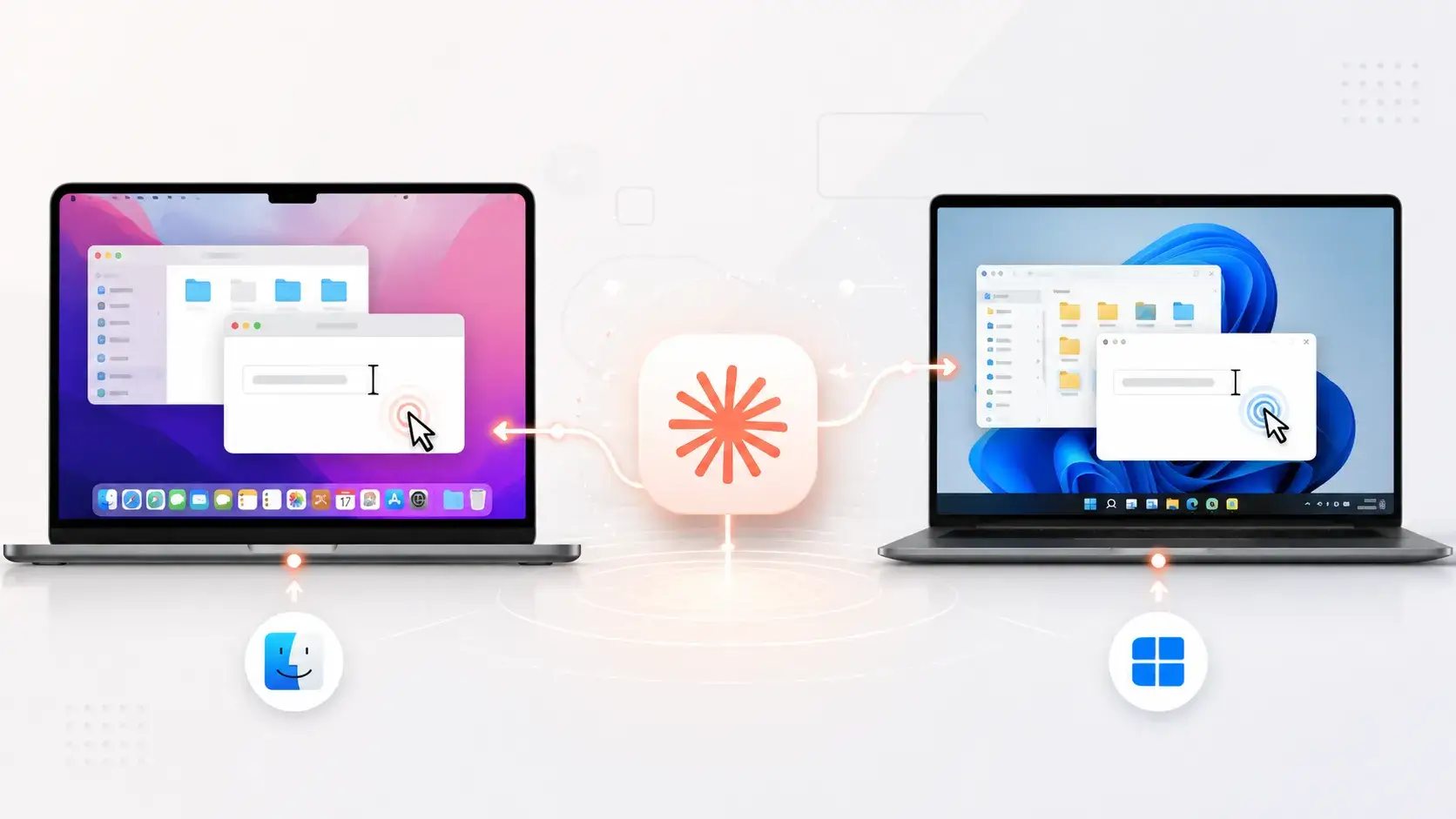

Anthropic has enhanced Claude’s desktop automation capabilities, enabling the AI assistant to operate directly on macOS and Windows computers through Claude Cowork and Claude Code.
When this feature is enabled, Claude can navigate a visible screen, click controls, type text, launch applications, open files, and work within browser-based or local tools if no dedicated connector is available.
This beta feature is accessible to Pro and Max subscribers in the Claude Desktop application. It transforms Claude from a chat-based assistant into an agent capable of executing tasks across the desktop, while also introducing important security, privacy, and governance considerations for organizations adopting daily workflows.
Claude AI Control macOS and Windows Computers
Claude Cowork follows a hierarchy that prioritizes precision and speed. It first attempts to use connected services such as Gmail, Google Drive, Microsoft 365, or Slack since connectors can handle information retrieval or actions more reliably than visual navigation.
If no suitable connection exists, Claude can use the desktop app’s built-in browser or Google Chrome through Claude in Chrome. Screen interaction is the last resort: the model examines the interface and performs actions as a human would.
This method allows Claude to work within internal dashboards, specialized software, development environments, and applications that lack integrations. However, it is generally slower and more error-prone.
On macOS 15 and later, Claude can operate in background windows, allowing users to continue using their computer while the agent runs.
Anthropic states that Claude typically does not take control of the pointer or keyboard and will wait when it detects active typing; it requests permission before requiring full-screen control during the first session.
Users can also select a full-control setting in the desktop app’s General preferences. On both operating systems, each application needs approval before Claude can interact with it.
The vendor blocks certain applications by default and provides an app blocklist, allowing users to deny access to specific software or sensitive workflows.
From a cybersecurity standpoint, this feature creates a high-value permission boundary between the AI agent and the user’s desktop. Claude takes screenshots to understand interfaces and can view any content visible in applications, including sensitive documents and third-party data.
Anthropic warns that there is no sandbox feature between the model and applications. Although the company claims that Claude is trained to avoid sensitive data entry, facial-image scraping, and investment transactions, it acknowledges that its safeguards are not foolproof.
It scans for prompt-injection indicators during computer use. It seeks user permission before accessing any apps, but attackers may exploit on-screen content or links.
Anthropic recommends starting with research or organizational tasks, crafting precise prompts, closely monitoring execution, and avoiding access to banking, healthcare, government, legal, financial, or other apps containing personal data.
Users should close sensitive files and applications before enabling the feature, as screenshots may capture all visible content in those contexts.
Computer use requires that the desktop and the Claude Desktop app be open, and complex workflows may require multiple attempts. This beta feature is not available to Team and Enterprise plans.
For security teams, this rollout highlights an essential principle: the convenience of an AI agent must be balanced with least privilege, oversight, controls, and thorough threat modeling before deployment.
Keep your SOC up to date on active malware & phishing within 24h of their emergence. Try ANYRUN to prevent incidents with early detection.