

Kali Linux 2026.2 arrives on schedule in the final week of Q2 with a pragmatic blend of desktop environment refreshes, infrastructure hardening, and practical usability refinements that will matter to both pentesters and platform maintainers.
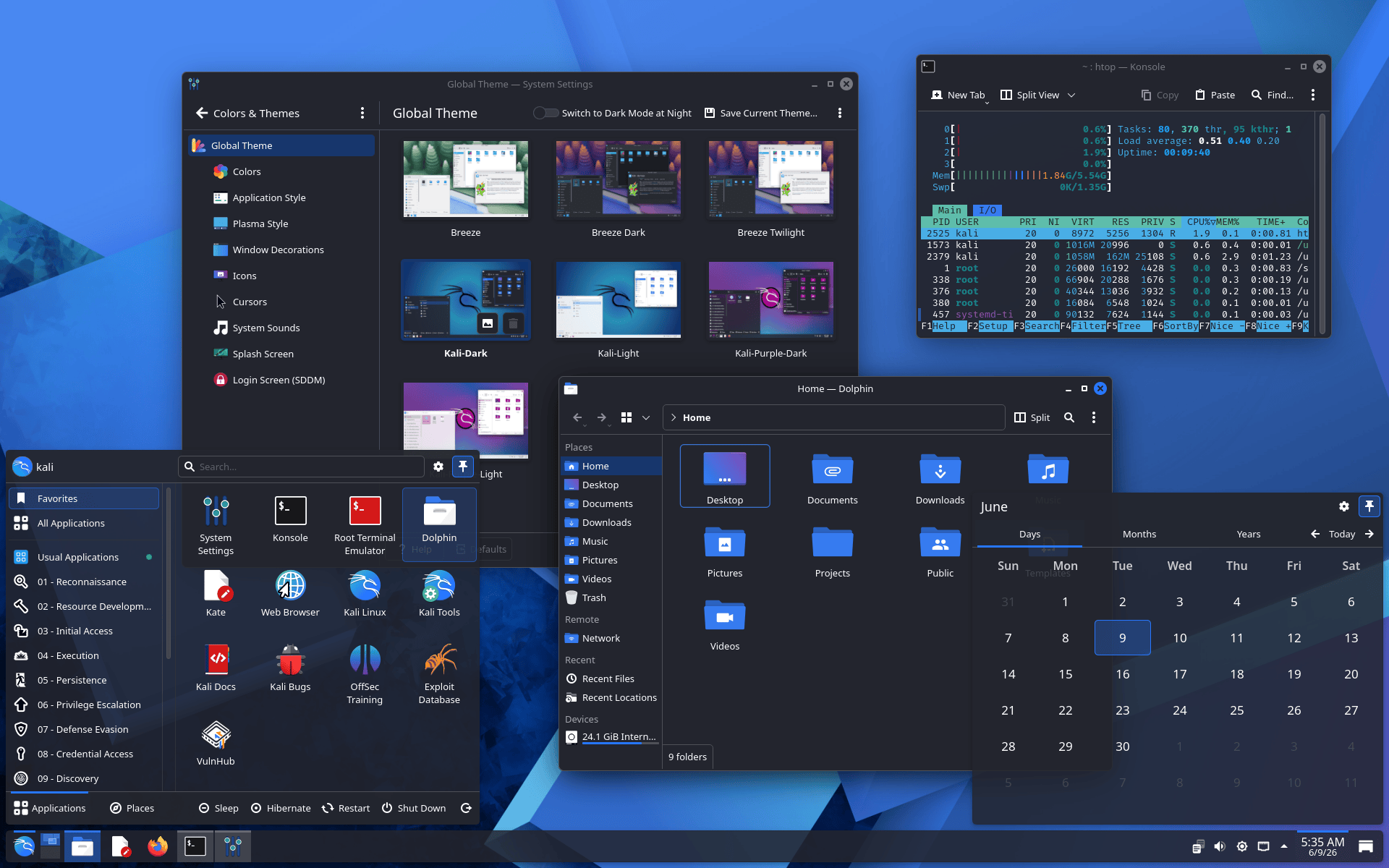
The release emphasizes polish and performance rather than headline-grabbing features: GNOME advances to version 50 and KDE Plasma to 6.6.
The APT sources format moves to the deb822-style file in sources.list.d, VM images and installers omit bulky graphics firmware to speed boots, and a small but important set of helper-script and packaging changes smooth day-to-day operation. The full changelog is available on Kali’s bug tracker and release page.
On the desktop front, GNOME 50 brings incremental but measurable improvements in responsiveness and memory usage, with particularly noticeable gains in file-manager thumbnailing and icon loading that reduce UI lag when browsing large directories.
Accessibility has been improved with a consolidated preferences window and better screen-reader behavior, while the Document Viewer gains annotation support a welcome convenience for analysts marking up captured evidence.
KDE Plasma 6.6 likewise focuses on refinement: an improved on-screen keyboard benefits touch devices, Spectacle can now extract text from screenshots (desktop OCR), and new color-vision and motion-reduction options improve accessibility for diverse user needs.
Links to the upstream GNOME 50 and KDE Plasma 6.6 announcements give the full technical notes.
A practical systems change: Kali switches its default APT sources to the deb822-style file /etc/apt/sources.list.d/kali.sources while leaving legacy /etc/apt/sources.list intact for existing installs.
According to Kali, Debian and modern packaging practice and enables richer metadata like Signed-By lines; administrators should consult Kali’s documentation on migrating and the APT man page for details.
Similarly, the helper-script consistency effort standardizes how tools that include services start, stop, and report status, and now present default credentials and web UI URLs consistently often launching the browser automatically.
Kali Linux 2026.2 Release
Virtualization users gain a clear quality-of-life improvement: VM images and VM-aware installer runs no longer pre-install large graphics firmware blobs into initrd, trimming initrd size (to ~60 MB for VMs) and cutting typical QEMU boot times by roughly threefold.
Bare-metal images remain unchanged; users installing on physical hardware will still receive full firmware sets to avoid missing drivers. The release notes warn that removing graphics firmware on bare metal can break displays and link to troubleshooting documentation.
Two package updates require attention: polkit and xrdp upgrades both require a reboot to avoid runtime failures when launching GUI apps as root or when using RDP/Hyper-V Enhanced Session Mode.
The release guide surfaces the messages apt emits and points to bug-tracker entry paths for lingering issues.
Kali ships with Linux kernel 6.19 in this cycle, a conservative choice aimed at avoiding known Nvidia DKMS incompatibilities introduced with kernel 7.0.
For users who want cutting-edge kernel features or to evaluate recent CVE mitigations, Kali provides kernel 7.0 builds in kali-experimental and articles describing how to enable experimental branches safely.
Nine new tools were added to the repositories, including arsenal-ng, hydra-gtk, legba, shell-gpt, tailscale, and others that expand the pentester’s workflow with Go-based cheat sheets, GUI and CLI brute-forcers, AI-assisted shell tooling, and modern connectivity utilities.
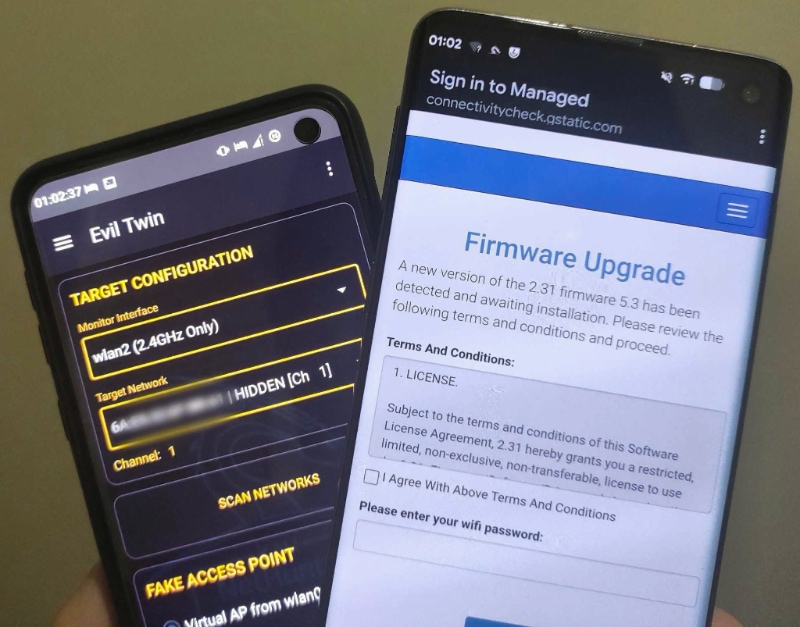
NetHunter continues rapid evolution: improved app launch behavior, a refreshed kernel flasher with Magisk-integrated installers, and the long-awaited qcacld-3.0 injection patches that enable wireless packet injection across a wider set of devices.
In sum, Kali Linux 2026.2 is a disciplined, engineer-oriented release: less about flashy new capabilities and more about tightening defaults, reducing VM friction, and aligning with upstream packaging and desktop progress.
Follow us on Google News, LinkedIn, and X to Get Instant Updates and Set GBH as a Preferred Source in Google.







